
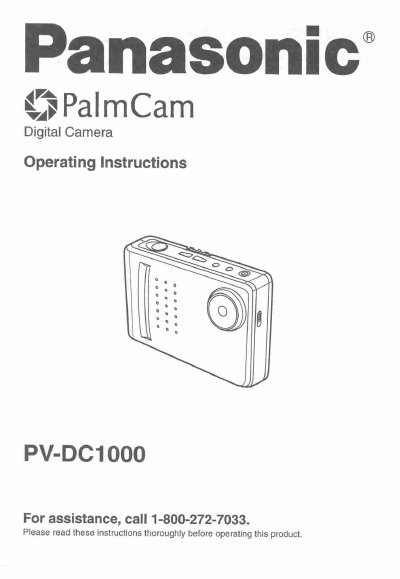
Panasonic PV-DC1000 Digital Camera Operating Instructions


Panasonic PV-DC1000 Digital Camera Operating Instructions - cover page
Brand
Panasonic
Category
Camcorders
Document type
User Manual
Language
English
Pages
32
File format
PDF
File size
956 KB
Published
10 August, 2012
Updated
31 August, 2012
MD5 checksum
115ED13B985ABF07D88503CE12FBB5FD

About this manual

This manual provides operating instructions for the Panasonic PV-DC1000 Cy PalmCam digital camera. It details the contents of the package, including the camera, station, battery, and cables. The guide explains how to attach accessories, power the device using the Ni-Cd battery pack or AA alkaline batteries, and adjust the LCD viewfinder brightness.

What's inside

  • Things You Should Know
  • Attaching the Hand Strap/Soft Carrying Case
  • Index of Controls
  • Power Supply
  • Adjusting LCD Viewfinder Brightness
  • On Screen Display (OSD)
  • Capturing Images
  • Playing Back Captured Images
  • Transferring Your Images
  • Specifications

Specifications

Operation Time (Battery Pack)about 1 hour
Operation Time (AA Alkaline)about 20 minutes
Charging Timeabout 6 hours
Charging Temperature Range32° F (0° C) and 104° F (40° C)

Frequently asked questions

Can I use AA alkaline batteries instead of the battery pack?

Yes, you can use 2 Panasonic brand AA alkaline batteries in place of the rechargeable Battery Pack.

How do I know when the battery is fully charged?

The CHARGE Lamp changes from orange to green when charging is complete.

What should I do if the CHARGE Lamp stays red?

Remove the Digital Camera and repeat the charging steps. If it remains red, send the unit in for service.

Download PDF (956 KB)

More Panasonic Manuals


View all Panasonic manuals →