
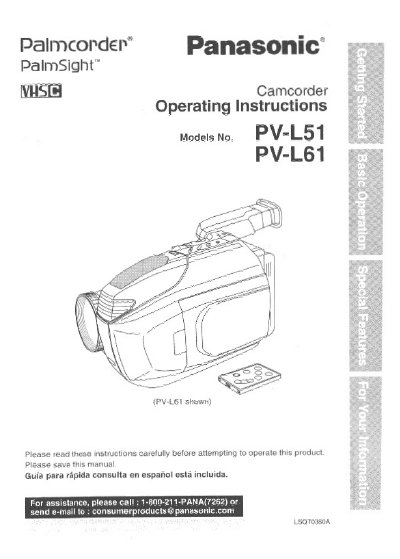
Panasonic PV-L51/PV-L61 Camcorder Operating Instructions


Panasonic PV-L51/PV-L61 Camcorder Operating Instructions - cover page
Brand
Panasonic
Category
Camcorders
Document type
User Manual
Language
English
Pages
44
File format
PDF
File size
1.3 MB
Published
09 August, 2012
Updated
15 August, 2012
MD5 checksum
52BC0290BEC0AD76363AB93167DBBC94

About this manual

This manual provides operating instructions for the Panasonic PV-L51 and PV-L61 Compact VHS Camcorder. It includes details on unpacking the unit, identifying accessories such as the AC Adaptor, Battery Pack, and Remote Control, and understanding the differences between the two models, specifically regarding the LCD monitor and Compact Video Cassette tape.

What's inside

  • Things You Should Know
  • Safety Precautions
  • Important Safeguards
  • Unpack Your Camcorder
  • Differences between models
  • AC Adaptor
  • Battery Pack
  • Remote Control
  • Compact Video Cassette Tape
  • VHS PlayPak

Specifications

LCD Monitor Size (PV-L51)63.5 mm (2.5 inch)
LCD Monitor Size (PV-L61)101.6 mm (4.0 inch)

Frequently asked questions

What are the differences between the PV-L51 and PV-L61 models?

The PV-L61 includes a 4.0 inch LCD monitor and a Compact Video Cassette tape, while the PV-L51 has a 2.5 inch LCD monitor and does not include the tape.

Can I play recordings on a standard VHS VCR?

Yes, you can play a Compact VHS Camcorder recording on your VHS VCR using the supplied VHS PlayPak.

Download PDF (1.3 MB)

More Panasonic Manuals


View all Panasonic manuals →