
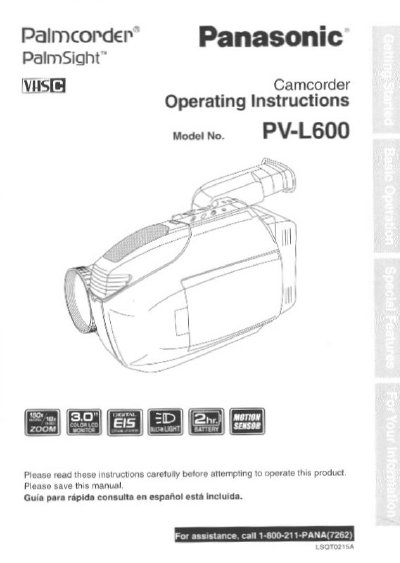
Panasonic PV-L600 Compact VHS Camcorder Operating Instructions


Panasonic PV-L600 Compact VHS Camcorder Operating Instructions - cover page
Brand
Panasonic
Category
Camcorders
Document type
User Manual
Language
English
Pages
56
File format
PDF
File size
1.5 MB
Published
09 August, 2012
Updated
29 August, 2012
Model
PV-L60
MD5 checksum
456DFBA5682E5B26A46E45357C2C6E99

About this manual

This document provides operating instructions for the Panasonic PV-L600 Compact VHS Camcorder. It includes information on unpacking the unit, identifying accessories such as the AC Adaptor and Battery Pack, and understanding the device's capabilities for recording and playing back in Standard Play (SP) and Super Long Play (SLP) modes. The manual also details compatibility with standard VHS equipment via the supplied VHS PlayPak.

What's inside

  • Things You Should Know
  • Safety Precautions
  • Important Safeguards
  • Unpack your Camcorder
  • Recording and Playback
  • Using the VHS PlayPak
  • Power Sources
  • Grounding or Polarization
  • Power-Cord Protection
  • Lightning Protection

Specifications

Recording ModesStandard Play (SP) and Super Long Play (SLP)
Video Quality SystemHQ System
CompatibilityStandard VHS equipment

Frequently asked questions

What recording modes does the PV-L600 support?

The camcorder is designed to record and play back in Standard Play (SP) and Super Long Play (SLP) modes.

Can I play Compact VHS recordings on a standard VHS VCR?

Yes, you can play a Compact VHS Camcorder recording on your VHS VCR using the supplied VHS PlayPak.

Where is the serial number located?

The serial number is on the tag located on the rearside of your Camcorder.

Download PDF (1.5 MB)

More Panasonic Manuals


View all Panasonic manuals →