
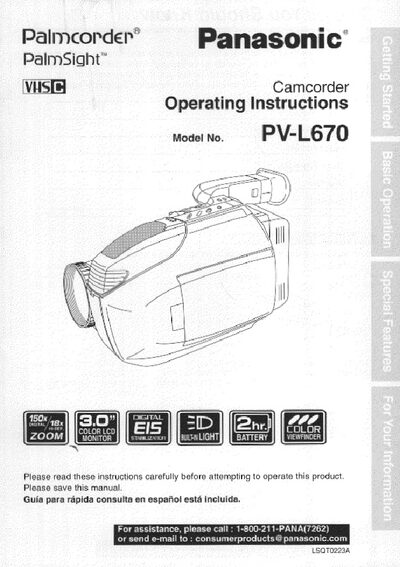
This manual covers everything you need to get started with the Panasonic PV‑L670 camcorder, including unpacking, required accessories, safety precautions, power setup, and basic configuration. It also explains how to use the Self Demo mode, battery charging, and how to request service.
Detailed sections describe recording, playback, special features such as power zoom, backlight, and digital stabilization, as well as troubleshooting tips, warranty information, and a quick‑use guide in Spanish. The document is organized with a table of contents for easy navigation.
Open the MENU, select SELF DEMO, then press DISPLAY to turn it off.
A fully charged battery provides about 2 hours of continuous use with the LCD monitor off, or about 1.5 hours with the LCD on.
The package includes an AC adaptor with DC power cable, a battery pack, an audio/video cable, a shoulder strap, a VHS PlayPak with an AA battery, and a CR2025 clock battery.
Plug in the AC adaptor, insert the battery, and wait for the CHARGE lamp to turn off when charging is complete.