
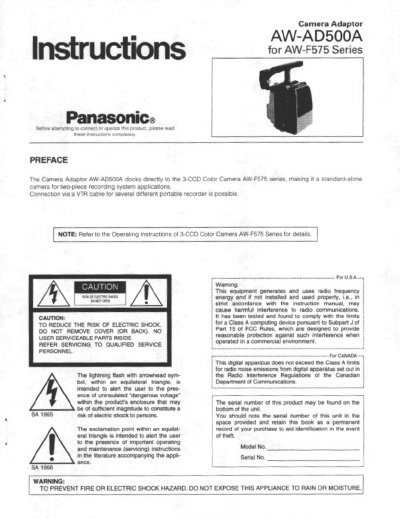
The Panasonic AW-AD500A is a Camera Adaptor that docks directly to the 3-CCD Color Camera AW-F575 series. This allows the camera to function as a standard-alone unit for two-piece recording system applications. It connects via a VTR cable to various portable recorders, including 1/2" VHS, 3/4" U-vision, and Mil portable VTRs, as well as 26-pin studio cables for Remote Control Unit (RCU) operation.
The manual details the major operating controls, including connectors for VTR/RCU, external DC input, battery mounting, intercom, and various audio/video outputs. It also explains the functions of switches for power selection, audio level, earphone output, VTR compatibility, and video output selection. Installation instructions cover mounting the adaptor to the camera head using the 68-pin multi connector and holding screws.
| Compatible Camera | 3-CCD color camera AW-F575 |
|---|---|
| Power Source | 12V DC |
| Ambient Operating Temperature | -10°C - +45°C |
| Dimensions | 140 (W) x 157 (H) x 102 (D) mm |
| Weight | 12 kg (2 64 Ibs) |
The Camera Adaptor AW-AD500A docks directly to the 3-CCD Color Camera AW-F575 series.
The external DC input connector accepts a power cable supplying a nominal power of 12 V, 2 A.
Remove the camera adaptor while pressing up the release button underneath the camera head after loosening the two knobs on the camera adaptor.