
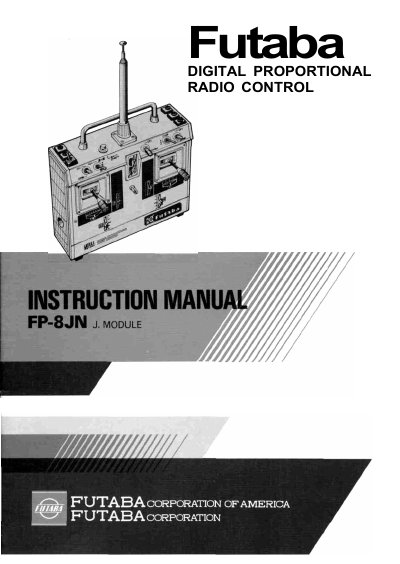
The Futaba FP-8JN is a digital proportional radio control set developed specifically for FAI RC acrobatic F3A applications. The system includes a transmitter (FP-T8JN), receiver (FP-R8J), and servos, featuring a modular design that allows users to change frequency bands and modulation methods with one touch.
The manual details the functions of various switches and trimmers on the transmitter, including reverse switches for aileron, elevator, throttle, and rudder, as well as adjustable limit and travel volume controls. It also explains how to use the D.S.C. function for wire operation without transmitting radio signals and provides instructions for charging the included NiCd batteries.
| Operating system | Transmitting frequency: 27MHz, 53MHz Bands; 72MHz Band |
|---|---|
| Modulation system | AM or FM Selectable by changing modules |
| Current drain (Transmitter) | 150mA |
| Control system (Servo) | + pulse width control |
| Operating angle (Servo) | One-side 45° or greater (including trim) |
| Power requirement (Servo) | 4.8V |
| Current drain (Servo) | 8mA (when stopped) |
| Output torque | 3.0kg-cm |
| Dimensions (Servo) | 39.0 x 19.0 x 31.5mm |
| Weight (Servo) | 36g |
The charging time is normally 15 hours. If the battery has not been used for some time, charge it for about 20 hours.
Servos can be operated by connecting the D.S.C. cord furnished with the set to the connector of the transmitter and using this function with the power switch set to OFF.
Pull the first stage of the antenna up and turn it counterclockwise until it locks.