
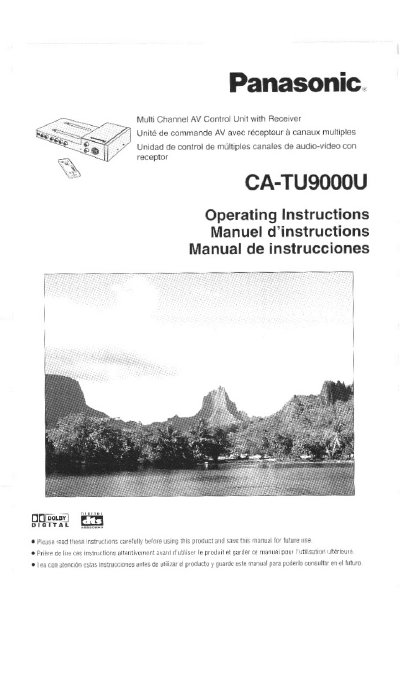
Panasonic CA-TU9000U Multi Channel AV Control Unit Operating Instructions


Panasonic CA-TU9000U Multi Channel AV Control Unit Operating Instructions - cover page
Brand
Panasonic
Category
Other Electronics
Document type
User Manual
Language
English
Pages
266
File format
PDF
File size
7.3 MB
Published
09 August, 2012
Updated
17 August, 2012
MD5 checksum
5FB001DA9C1DDAB026F5B9A797DFBCBF

About this manual

This manual provides operating instructions for the Panasonic CA-TU9000U Multi Channel AV Control Unit. It details the unit's features, including support for 5.1-channel surround systems, CD changers, and various input sources like DVD players and VCRs. The document explains how to use the unit in combination with specific Panasonic display units, such as the CY-VMD9000U and CY-VMC7000U, and the CX-DV700U DVD player.

What's inside

  • Safety Information
  • Before Use
  • Features
  • Components/Remote Control Unit Preparation
  • Setting up a 5.1-channel Surround System
  • Name of Controls and Functions
  • Discs that can be Played Back
  • General Operations
  • Display (Screen) Settings
  • Specifications

Specifications

Product TypeMulti Channel AV Control Unit with Receiver
Model NumberCA-TU9000U

Frequently asked questions

What must be connected to the display unit before using the CA-TU9000U?

You must connect the optical fiber cable, which is sold separately, to the display unit.

Download PDF (7.3 MB)

More Panasonic Manuals


View all Panasonic manuals →