
This document introduces the features and characteristics of LQ-DRM200 DVD recorder, including the supported region number, operating instructions and precautions.
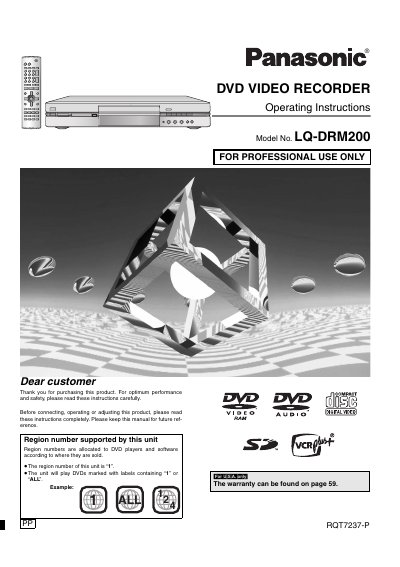
This manual provides operating instructions for the Panasonic LQ-DRM200 DVD recorder. It details features such as automatic recording from digital video camcorders, editing of recordings on DVD-RAM media, and playback of various disc formats including MP3 discs and Video CDs.
The document covers essential functions like creating playlists, using Direct Navigator for fast access to recorded programs, and utilizing progressive scan capabilities. It also includes safety warnings regarding laser radiation and electrical hazards, as well as setup procedures for connecting peripheral devices.
| Region Number | 1 |
|---|---|
| Compatible Discs | DVD-RAM, DVD-R, DVD-Audio, DVD-Video, Video CDs, CDs |
| Audio Format | Dolby Digital stereo |
The unit supports Region Number 1 and will play DVDs marked with labels containing "1" or "ALL".
No, you cannot connect a personal computer to the unit when using DV input for automatic recording.
Using a double sided, 9.4 GB DVD-RAM allows you to record a maximum of 12 hours (6 hours continuously).