
This document is the operating instructions for the Multi Format Digital HD Video Cassette Recorder, providing information on how to use the product and the functions of each menu.
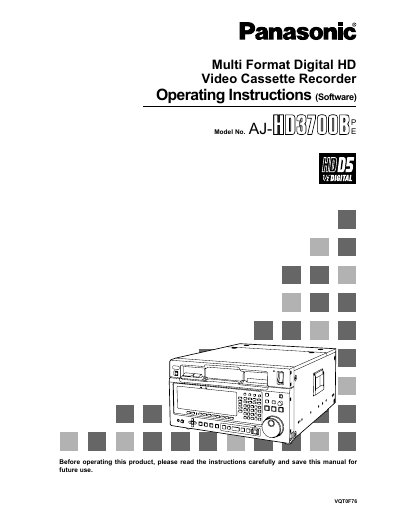
This document provides operating instructions for the Panasonic AJ-WDS/ODS Multi Format Digital HD Video Cassette Recorder. It details how to turn on the power, navigate the HOME menu, and access various setup menus for video input/output, audio mixing, and editing functions.
The manual covers specific procedures for setting up multi-cue systems, insert/assemble manual and auto edit modes, and configuring interface settings. It also includes information on error messages, diagnostic tests, and screen saver functions.
The HOME menu is automatically displayed, though an IC CARD menu appears if a card has been inserted.
The HOME menu is the VTR's basic menu that automatically appears on the display when the power has been turned on.
The IC CARD menu will automatically appear on the display if an IC card has been inserted.
The animation display of a cassette tape appears after the cassette tape has been inserted.