
Panasonic AJ-HVF21G 2-inch Electronic HD View Finder Operating Instructions

This is a user manual that introduces the operation method of 2-inch Electronic HD View Finder AJ-G G.
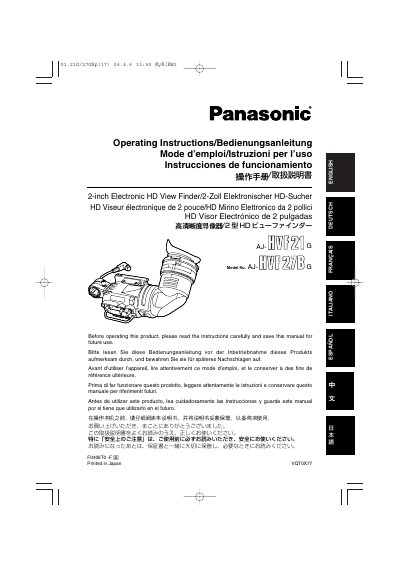

Panasonic AJ-HVF21G 2-inch Electronic HD View Finder Operating Instructions - cover page
Brand
Panasonic
Document type
User Manual
Language
English
Pages
120
File format
PDF
File size
3.2 MB
Published
09 August, 2012
Updated
30 September, 2023
MD5 checksum
B68FE5AE5C80A417F616CA19DF79D24A

About this manual

This manual provides operating instructions for the Panasonic AJ-HVF21G, a 2-inch electronic high-definition (HD) view finder. It details safety precautions, features such as the Zebra pattern switch and tally lamp controls, and compatibility with specific camera models like the AJ-HDX400 series.

What's inside

  • Features
  • Parts and Their Functions
  • Mounting the Viewfinder
  • Adjusting the viewfinder's left-right Position
  • Adjusting the viewfinders front-back Position
  • Detaching the Viewfinder

Specifications

Screen Size2-inch
Resolution Support1080/60 fields and 1080/50 fields

Frequently asked questions

What is the purpose of the Zebra switch?

The Zebra switch displays a zebra pattern inside the viewfinder to assist with exposure settings.

How do I adjust the focus clarity for different users?

Use the Diopter Adjustment Ring to match the vision of the person using the camera so that the image is clear.

Can I mount this viewfinder on any camera?

No, it supports specific models like the AJ-HDX400 and AJ-HDC27H series via a standard slide rail.

Download PDF (3.2 MB)

More Panasonic Manuals


View all Panasonic manuals →