
Panasonic BM-ET200 Iris Reader Operating Instructions

BM-ET200 reject accept Iris Reader Operating Instructions
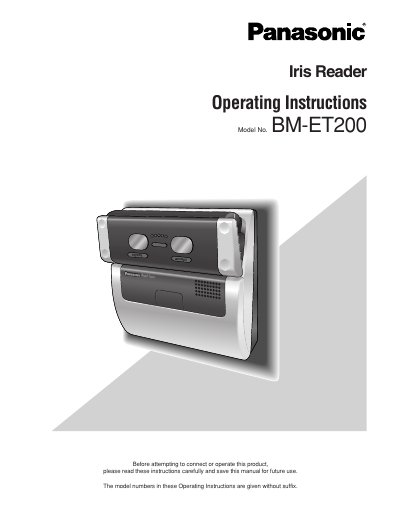

Panasonic BM-ET200 Iris Reader Operating Instructions - cover page
Brand
Panasonic
Category
Security Software
Document type
User Manual
Language
English
Pages
86
File format
PDF
File size
1.4 MB
Published
08 August, 2012
Updated
30 September, 2023
MD5 checksum
89E84514F935875F9BFA8B867FFF9D61

About this manual

This manual provides operating instructions for the Panasonic BM-ET200 Iris Reader, a device used in access control systems to capture and verify iris images. The document covers safety warnings, system configurations for both stand-alone and network modes, and detailed setup procedures using a web browser or numeric key. It also explains how to register administrators and users, configure system settings, and perform iris recognition.

What's inside

  • Preface
  • Important Safety Instructions
  • System Configuration
  • Installation and Connections
  • Setup (Stand-alone Mode)
  • Setup (Network Mode)
  • Operating Procedures
  • Troubleshooting
  • Specifications
  • Standard Accessories

Specifications

Maximum enrolled users (stand-alone)50 users
Maximum enrolled users (network)10,025 users

Frequently asked questions

How do you control the iris reader in Stand-alone mode?

You can control the iris reader using a numeric key (option) or a web browser.

Is the BM-ET200 evaluated by UL for Stand-alone mode?

No, the Stand-alone Mode has not been evaluated by UL.

Download PDF (1.4 MB)

More Panasonic Manuals


View all Panasonic manuals →