
This document is the operating instructions for the BM-ET500 Iris Camera, including the steps to connect and operate the product. The document also provides serial number recording and theft prevention suggestions for the product. Additionally, the document includes electrical safety warnings and specifications for the product.
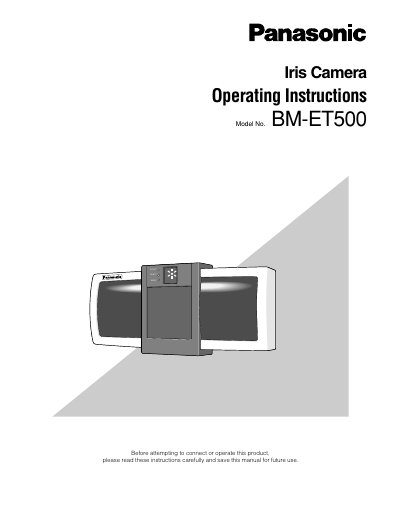
The Panasonic BM-ET500 is an iris camera used in access control systems. It features automatic guidance and recognition by two cameras: a wide-angle camera for monitoring and a telecamera for capturing iris images. The device can capture iris images of both eyes simultaneously, enabling recognition in approximately 3 seconds.
This unit is for indoor use only.
Iris image capturing and checking will automatically start when a user approaches within 66 cm of the front of an iris camera.
It takes approximately 3 seconds between capturing and recognition.