
This manual describes the basic operations, advanced features, network features, printing journals and lists, maintenance, and appendix of the DP-150FX copier.
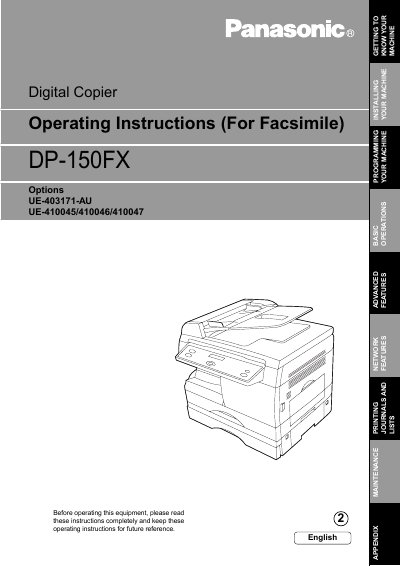
This manual provides operating instructions for the Panasonic DP-150FX digital copier. The device is designed to be useful for offices with more than four functions, including copying up to Legal size originals, plain paper Super G3 compatible faxing, and digital printing at 300 or 600 dpi.
The document covers basic operations such as loading documents, making copies, sending and receiving faxes, and using the scanner. It also details advanced features like directory search dialing, group dialing, polling, sub-addressing, and network functions including distinctive ring detection.
| Copy Size | Legal size |
|---|---|
| Fax Standard | Super G3 compatible |
| Printer Resolution | 300 or 600 dpi |
| Scanner Resolution | up to 400 dpi |
The machine can copy up to Legal size originals.
Yes, it is a plain paper Super G3 compatible Fax.
The standard digital printer controller offers 300 or 600 dpi resolution.