
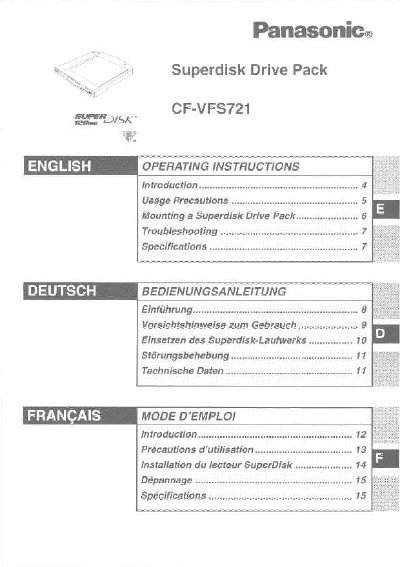
The document is a user guide for the Panasonic CF-VFS721 Superdisk Drive Pack. It explains how to install the device into the multimedia pocket of compatible Panasonic CF-72Q series notebooks and provides instructions on using it with Superdisks (120 MB) and standard floppy disks.
| Data Transfer Rate (120 MB mode) | 550 to 1000 KB / sec |
|---|---|
| Data Transfer Rate (2HD mode) | 230 (read), 77 (write) KB / sec |
| Data Transfer Rate (2DD mode) | 115 (read), 38 (write) KB / sec |
| Disk Rotation Rate | 1500 rpm |
| Seek Time (Random seek) | 65 ms |
| Interface | Conforms to enhanced IDE (ATAPTI) standard |
| Dimensions | 133.1 mm x 147.1 mm x 15.3 mm |
| Weight | Approx. 290 g |
The manual supports Microsoft Windows 98 Second Edition, Windows NT Workstation Version 4.0, and Windows 2000 Professional.
No, you should not remove a disk while accessing data or if the access lamp is lit to avoid damaging data.
Problems may occur when reading or writing data, and cleaning the drive is recommended.