
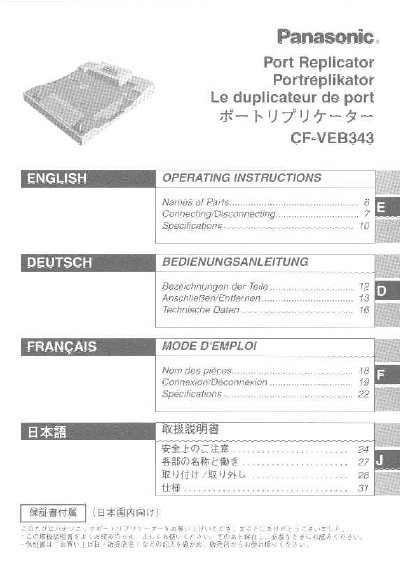
Panasonic CF-VEB343 Port Replicator User Manual


Panasonic CF-VEB343 Port Replicator User Manual - cover page
Brand
Panasonic
Category
Laptops
Document type
User Manual
Language
English
Pages
36
File format
PDF
File size
728 KB
Published
08 August, 2012
Updated
22 August, 2012
MD5 checksum
9DDF9A5A84A96FB3889AF8F567F7B815

About this manual

The Panasonic CF-VEB343 is a port replicator designed for the Panasonic CF-M34 notebook computer series. It allows users to connect peripheral devices such as keyboards, mice, serial ports, USB ports, and display outputs to save time on cable management during transport.

To use the device, ensure the computer is powered off before connecting or disconnecting cables. The unit requires a specific AC adaptor (Model No CF-AA1S527) and must be connected to an AC outlet; it will not function using battery power alone.

What's inside

  • Federal Communications Commission Statement
  • Compliance Notice - CE Mark
  • Interface Cable Recommendations
  • Names of Parts
  • Connecting/Disconnecting Instructions
  • Warranty Information

Frequently asked questions

What AC adaptor is required for this port replicator?

You must use the specified AC Adaptor (Model No CF-AA1S527) and AC cord.

Can I connect the port replicator while the computer is powered on?

No, you must power off the computer and disconnect all cables before connecting or disconnecting the unit.

Is there a recommended maximum length for the interface cable?

It is not recommended to use an interface cable longer than 3 meters (9.84 feet).

Download PDF (728 KB)

More Panasonic Manuals


View all Panasonic manuals →