
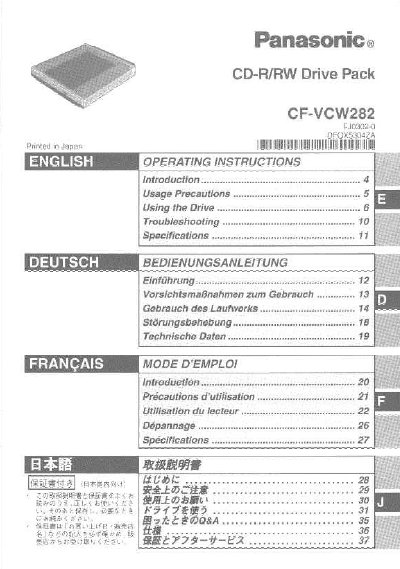
Panasonic CF-VCW282 CD-R/RW Drive Pack User Manual


Panasonic CF-VCW282 CD-R/RW Drive Pack User Manual - cover page
Brand
Panasonic
Category
Laptops
Document type
User Manual
Language
English
Pages
40
File format
PDF
File size
1 MB
Published
08 August, 2012
Updated
22 August, 2012
MD5 checksum
095033B0F56BB6F74AFE47EC29956B5D

About this manual

This manual provides instructions for the Panasonic CF-VCW282 CD-R/RW Drive Pack, designed for use with the Panasonic CF-28 notebook computer series. It details how to install and remove the drive, set up disc trays, and configure the device for optimal performance.

What's inside

  • Introduction
  • Usage Precautions
  • Installing/Removing a Drive
  • Setting a Disc
  • Power-saving Mode
  • Using the Drive in MS-DOS Mode
  • Cleaning the Drive

Specifications

Laser ClassClass 1
Recommended Cleaning FrequencyOnce every 2 or 3 months

Frequently asked questions

Can I use an external drive when the CD-R/RW drive pack is installed?

No, you should not use an external drive when the CD-R/RW drive pack is installed.

How should I clean a dirty disc?

Wipe it with a moist, soft cloth, then a dry cloth, always wiping from the center toward the edge.

Download PDF (1 MB)

More Panasonic Manuals


View all Panasonic manuals →