
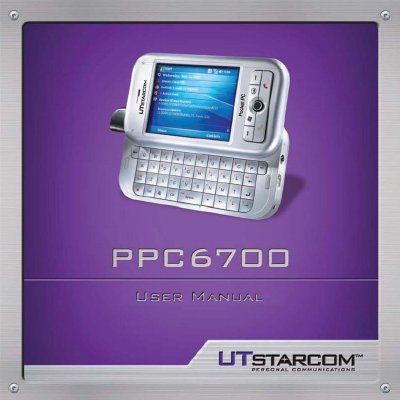
This document serves as the user manual for the UTStarcom PPC6700 Pocket PC Phone. It guides users through getting started with the device, including an overview of the hardware, battery information, and startup procedures. The guide details how to use the device's core functions such as the phone, email, calendar, contacts, and messaging applications like MSN Messenger. It also covers synchronization with a PC using ActiveSync and various connectivity options like Bluetooth and infrared.
| Processor | Intel PXA270 416Mhz |
|---|---|
| Memory - ROM | M-System 128MB NAND Flash |
| Memory - RAM | 64/ 128MB SDRAM |
| Operating System | Microsoft Windows MobileTM 5.0 |
| Display | 2.8" transflective TFT-LCD |
| Resolution | 240 x 320 pixels |
| Camera | 1.3 mega-pixel camera |
| Dimensions | 108 (L) x 59 (W) x 23.7 (T) mm |
| Weight | 186g (with battery) |
Do not remove the battery pack when the device is charging.
No, using this product on board an airplane is against the law in most countries due to potential interference with navigation systems.
Do not use the product at gas or refueling stations, in fuel storehouses, chemical plants, or locations containing explosives.