
The UTStarcom OLT4300-08 GPON OLT is a compact 1RU device delivering 104 Gbps switching capacity with 8 GPON ports and multiple 1GE/10GE uplinks.
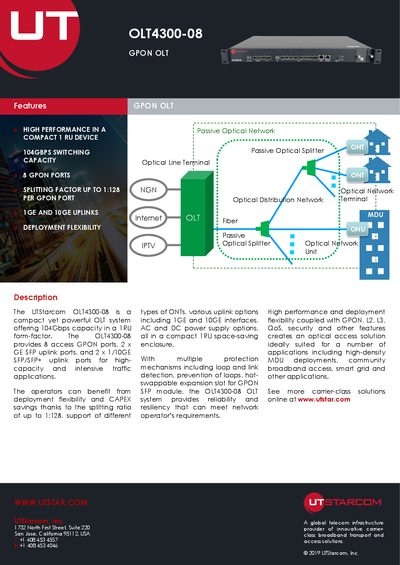
The OLT4300-08 is a compact yet powerful GPON optical line terminal designed for high‑capacity, intensive‑traffic applications. It provides eight GPON ports, two GE SFP uplinks, and two 1/10 GE SFP+/SFP uplinks, supporting a splitting factor of up to 1:128 per port and offering both AC and DC power options.
Technical specifications include a 104 Gbps switching capacity, dimensions of 440 × 380 × 44 mm (1RU), weight ≤3 kg, power consumption ≤85 W, and operation temperatures from 0 °C to 50 °C. The device supports L2/L3 features, QoS, security, and a range of management interfaces such as CLI, SNMP, Telnet, and web configuration.
| Switching capacity | 104 Gbps |
|---|---|
| GPON ports | 8 |
| Uplink ports (GE SFP) | 2 |
| Uplink ports (1/10 GE SFP+) | 2 |
| Splitting factor per GPON port | Up to 1:128 |
| Dimensions (H × W × D) | 440 × 380 × 44 mm (1RU) |
| Weight | ≤3 kg |
| Power consumption | ≤85 W |
| AC input voltage | 100 V to 240 V, 47 Hz to 63 Hz |
| DC input voltage | -36 V to -75 V |
| Operating temperature | 0 °C to 50 °C |
It provides a switching capacity of 104 Gbps.
The device includes eight GPON ports.
Each GPON port can support a splitting factor of up to 1:128.