
A unified services packet transport edge/aggregation device supporting Ethernet, TDM, and ATM over MPLS/MPLS-TP technology.
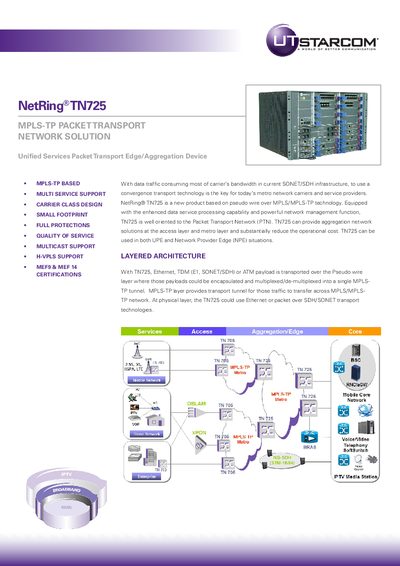
The UTStarcom TN725 is a unified services packet transport edge/aggregation device based on pseudo wire over MPLS/MPLS-TP technology. It is designed for the Packet Transport Network (PTN) and supports multiple services including Ethernet, TDM (E1, SONET/SDH), and ATM. The device provides aggregation network solutions at the access layer and metro layer, suitable for both UPE and Network Provider Edge (NPE) situations.
| Chassis Dimensions | 440x320x410mm WxHxD (7U) |
|---|---|
| Operation Temperature | 5° TO 40° C |
| Operation Humidity | 5 TO 85% non-condensing |
| Power Supply | -48V DC, dual inputs |
| Typical Power Consumption | 480W |
| Weight (Empty) | 23kg |
| Packet Processing Capacity | 108Gbps full duplex switching fabric |
| Maximum LSP tunnels | 4K Label Switching Path(LSP) tunnel per TN725 chassis |
It supports Ethernet, TDM (E1, SONET/SDH), and ATM.
Yes, the TN725 can be used in both UPE and Network Provider Edge (NPE) situations.
It offers hardware redundancy (1+1 power supply, 1+1 main control, etc.) and network protection (1+1 Linear MSP, 1:1 Linear MSP, 1+1 Linear protection for LSP, 1:1 Linear Protection for LSP).