
This document is a quick reference guide for the remote control, and includes instructions for how to use the power, volume, channel, and other functions of the remote control.
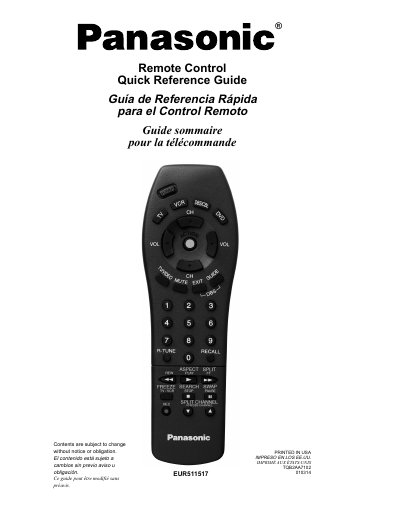
This document is a quick reference guide for the Panasonic EUR511517 universal remote control. It provides multilingual instructions (English, Spanish, French) for operating various buttons including Power, Volume, Mute, Channel navigation, and device mode selection for TV, VCR, DVD, and DBS/Cable.
The guide details specific functions such as the ASPECT button for adjusting image formats (Normal, Full, Just, Zoom), the RECALL feature for accessing time and sleep timer settings, and the SPLIT/SEARCH/SWAP buttons for picture-in-picture operations. It also includes a functional key chart mapping each button to its operation across different connected devices.
| Battery Type | 2 AA batteries |
|---|---|
| Display Modes | Normal, Full, Just, Zoom |
Remove the cover by pushing near the arrow, insert two AA batteries matching the (+) and (-) polarity signs, and replace the cover.
It allows you to choose one of four display modes (Normal, Full, Just, Zoom) depending on the signal format and your preferences.
Press the RECALL button to view or set the Time, Channel, Sleep Timer, and other options.