
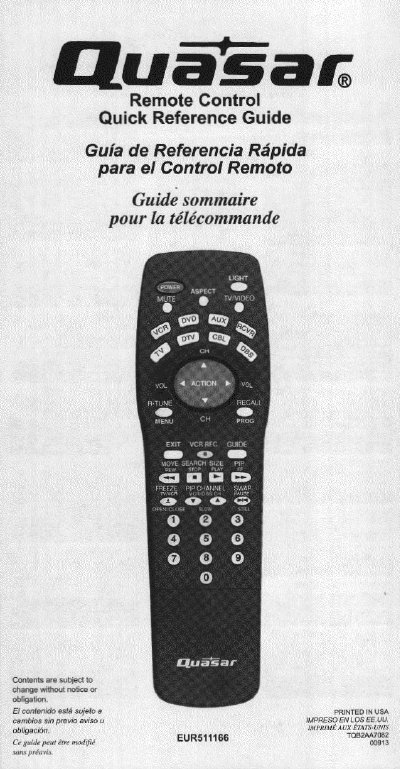
This document serves as a quick reference guide for the Panasonic EUR511166 remote control. It provides multilingual instructions (English, Spanish, French) on how to operate the device, including buttons for power, volume, channel navigation, and input selection for various components like TV, VCR, DVD, and cable boxes.
The guide details specific functions such as illuminating buttons, muting audio, adjusting picture aspect ratios, and navigating menus. It also includes a section on programming external devices using the sequence method to find correct infrared codes.
Press the ACTION and POWER buttons together for at least 5 seconds.
Press the ACTION button after the code is found.