
This file is a quick reference guide for the remote control, which includes remote control functions and button instructions
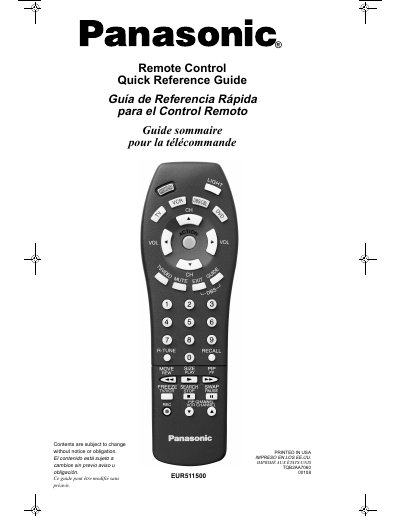
This document is a quick reference guide for the Panasonic EUR511500 universal remote control. It provides multilingual instructions (English, Spanish, French) on how to operate various buttons such as Power, Volume, Channel, and specific device modes like TV, VCR, DBS/Cable, and DVD.
The guide also includes a functional key chart mapping keys to their operations across different components and concludes with battery installation precautions, specifying the use of two AA batteries.
| Battery Type | 2 AA batteries |
|---|
Press the POWER LIGHT button to illuminate the buttons of the remote control.
The ACTION key activates TV menus or allows you to enter settings.
Remove the cover by pushing near the arrow, install two AA batteries matching polarity signs (+) and (-), and replace the cover.