
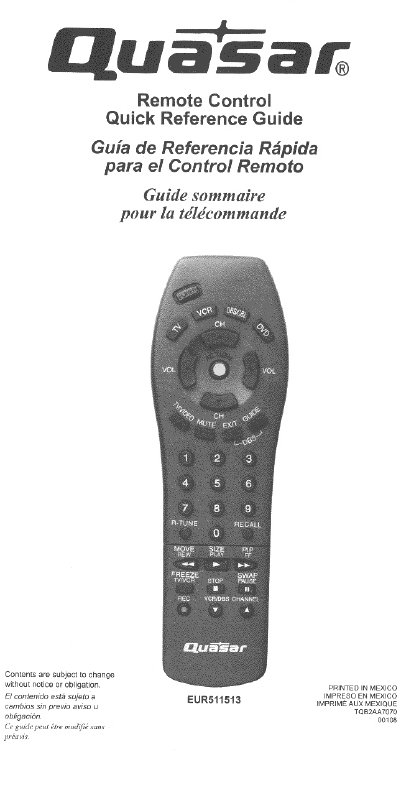
The Panasonic EUR511513 is a universal remote control designed to operate various external components such as televisions, VCRs, DVD players, cable boxes, and satellite receivers. The guide provides quick reference information for all functional keys in English, Spanish, and French.
The document details how to use the remote's navigation buttons for channel selection, volume adjustment, menu access, and input mode switching. It also includes specific instructions on how to program the remote using the 'sequence method' to search for compatible device codes.
Press the POWER button to turn all components on and off, or select specific components to control individually.
Press the MUTE button to silence the television audio.
The sequence method searches all codes by pressing ACTION and POWER together, selecting a component function, then using buttons to move forward or backward through codes until the device responds.