
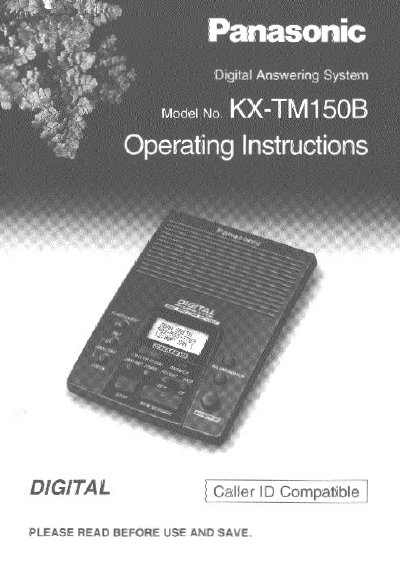
Panasonic KX-TM150B Digital Answering System Operating Instructions


Panasonic KX-TM150B Digital Answering System Operating Instructions - cover page
Brand
Panasonic
Category
Telephone
Document type
User Manual
Language
English
Pages
40
File format
PDF
File size
807 KB
Published
06 August, 2012
Updated
06 August, 2012
MD5 checksum
87AC28C36DCAF64F419A918AE3456C13

About this manual

This manual provides operating instructions for the Panasonic KX-TM150B Digital Answering System. It covers initial setup, including connecting the AC adaptor and telephone line cord, and selecting the dialing mode (Tone or Pulse). The guide explains how to store area codes, set greeting messages, and adjust the volume and search functions.

What's inside

  • Location of Controls
  • Display
  • Settings
  • Connections
  • Selecting the Dialing Mode
  • Storing Your Area Code
  • Greeting Message
  • Automatic Answering Operation
  • Listening to Messages
  • Erasing Messages

Specifications

Power SupplyAC 120 V, 60 Hz
Telephone JackSingle-Line Telephone Jack (RJ11C)
AC Adaptor Order No.PQLV1Z

Frequently asked questions

What is the default dialing mode?

The unit comes from the factory set to 'Tone'.

Can I use this with a rotary phone?

Yes, you can program the unit to use 'Pulse' mode if rotary or pulse service is used.

What should I do if the AC adaptor feels warm?

It is normal for the adaptor to feel warm during use.

Download PDF (807 KB)

More Panasonic Manuals


View all Panasonic manuals →