
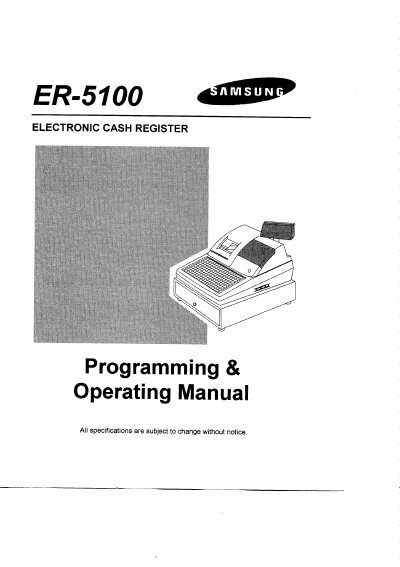
Samsung ER-5100 Electronic Cash Register Programming & Operating Manual


Samsung ER-5100 Electronic Cash Register Programming & Operating Manual - cover page
Brand
Samsung
Category
Office Equipment
Document type
User Manual
Language
English
Pages
92
File format
PDF
File size
2.6 MB
Published
06 August, 2012
Updated
06 August, 2012
MD5 checksum
3399787B33FEC69E906409A9D312C80F

About this manual

This manual provides comprehensive instructions for unpacking, setting up, and operating the Samsung ER-5100 Electronic Cash Register. It details how to load paper rolls into the receipt and detail printers, insert the ribbon cartridge, and clear the Random Access Memory (RAM) before first use.

The guide covers extensive programming procedures including date and time settings, department ordering, clerk secret codes, and descriptor programming. It also explains operating functions such as clerk sign-on/off, various entry types (department, PLU, single item), computation of VAT, discounts/surcharges, returns, voids, and tendering operations using cash, checks, or charge cards.

What's inside

  • Unpacking the Cash Register
  • Loading the Printer Ribbon Cartridge
  • Putting Paper in the Printer (Detail & Receipt)
  • Clearing the RAM
  • Date & Time Programming
  • Department Programming
  • PLU Programming
  • Clerk Sign On/Off
  • Tendering Operations
  • Communication with PC

Frequently asked questions

How much paper should be fed through the receipt printer after loading?

You must run 3 to 4 inches of paper through the printer.

What is the minimum time the cash register should remain powered on during initial configuration?

It is recommended that the register remains powered on for at least 24 hours.

What happens to programs and totals if RAM is cleared after the cash register has been programmed?

Clearing the RAM will cause all programs and totals to be lost.

Download PDF (2.6 MB)

More Samsung Manuals


View all Samsung manuals →