
Panasonic TC-P58S2/TC-P65S2 Plasma HDTV User Manual

This is a user manual for Panasonic TC-P58S2/TC-P65S2 TV.
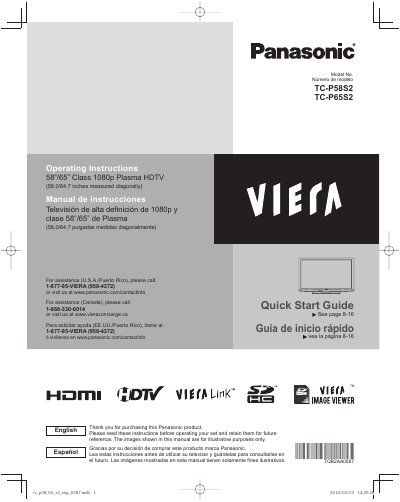

Panasonic TC-P58S2/TC-P65S2 Plasma HDTV User Manual - cover page
Brand
Panasonic
Category
Television
Document type
User Manual
Language
English
Pages
54
File format
PDF
File size
2.1 MB
Published
03 August, 2012
Updated
30 September, 2023
MD5 checksum
4E78D4D30B441CD3F3BFAB900CC1B6A9

About this manual

This document is the user guide for the Panasonic TC-P58S2 and TC-P65S2 Class 1080p Plasma HDTVs. It provides instructions for initial setup, including connecting accessories and identifying controls. The guide covers basic features such as watching TV, using VIERA TOOLS, and viewing videos and DVDs.

What's inside

  • Please read before using the unit
  • Quick Start Guide
  • Accessories/Optional Accessory
  • Basic Connection
  • Identifying Controls
  • First Time Setup
  • Watching TV
  • Using VIERA TOOLS
  • How to Use Menu Functions
  • Specifications

Specifications

Display TypePlasma HDTV
Screen Size (TC-P58S2)58.0 inches
Screen Size (TC-P65S2)64.7 inches
Resolution1080p

Frequently asked questions

What is the recommended wall-hanging bracket for the TC-P65S2?

The recommended wall-hanging bracket for the TC-P65S2 is the TY-WK6P1RW.

What is the diagonal screen size of this television?

The TV measures either 58.0 inches or 64.7 inches diagonally.

What resolution does this Plasma HDTV support?

This television is a Class 1080p model.

How many people are required to install or remove the television?

Two or more people are required for installation or removal.

Download PDF (2.1 MB)

More Panasonic Manuals


View all Panasonic manuals →