
This is a Panasonic 42/50/55/60-inch 1080p Plasma HDTV User's Manual.
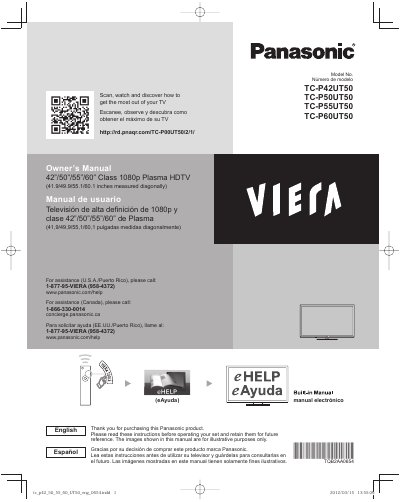
This document is the user guide for a series of Panasonic plasma televisions with screen sizes ranging from 42 to 60 inches. It covers initial setup, connecting external devices like HDMI and USB drives, viewing 3D images, and using the built-in eHELP manual feature.
The guide also details safety precautions specific to plasma technology, such as avoiding prolonged display of static images to prevent image retention, proper ventilation requirements, and installation warnings regarding wall mounting stability.
| Screen Size | 42", 50", 55", or 60" |
|---|---|
| Resolution | Class 1080p |
| Power Cord Type | Polarized or Grounding-type plug |
Displaying a still picture for a long time can cause the image to remain on the plasma screen.
The screen saver is automatically activated after a few minutes if no signals are sent or no operations are performed.