
Panasonic TC-P58S1/TC-P65S1 Plasma HDTV Operating Instructions

This document is the operating instructions for Panasonic's 58-inch/65-inch 1080p Plasma HDTV, providing information on the features and characteristics of the product.
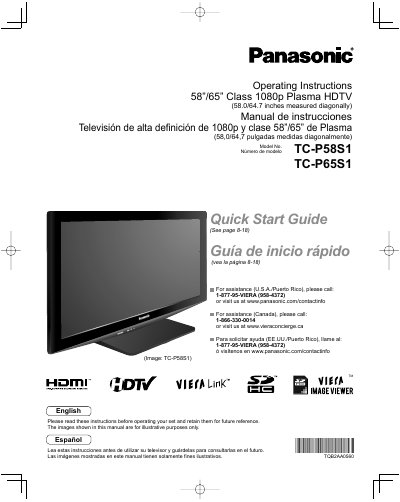

Panasonic TC-P58S1/TC-P65S1 Plasma HDTV Operating Instructions - cover page
Brand
Panasonic
Category
Television
Document type
User Manual
Language
English
Pages
58
File format
PDF
File size
3.3 MB
Published
03 August, 2012
Updated
28 September, 2023
MD5 checksum
0748E74CC722FD4097DAA4EC2E789976

About this manual

This manual provides operating instructions for the Panasonic TC-P58S1 and TC-P65S1 Class 1080p Plasma High Definition Televisions. It includes a Quick Start Guide for initial setup, detailed connection instructions, and explanations of basic and advanced features such as VIERA Link™ and HDAVI Control™.

What's inside

  • Safety Precautions
  • Quick Start Guide
  • Accessories/Optional Accessory
  • Basic Connection
  • Identifying Controls
  • First Time Setup
  • Watching TV
  • Using VIERA TOOLS
  • Menu Functions
  • FAQs

Specifications

Screen Size Class58"/65"
Resolution1080p
Physical Width (TC-P58S1)58.0 inches
Physical Height (TC-P65S1)64.7 inches

Frequently asked questions

What is the recommended wall-hanging bracket for TC-P58S1?

The recommended accessory is the Wall-hanging bracket (Angled) TY-WK5P1 RW.

What should be done if smoke or an abnormal odor is detected?

Unplug the power supply cord immediately and have the TV evaluated by an Authorized Service Center.

Download PDF (3.3 MB)

More Panasonic Manuals


View all Panasonic manuals →