
This manual contains detailed instructions on how to use the DMR-ES35V DVD Recorder, including safety information, product information, installation instructions, connections, preparation, operation, cleaning and maintenance.
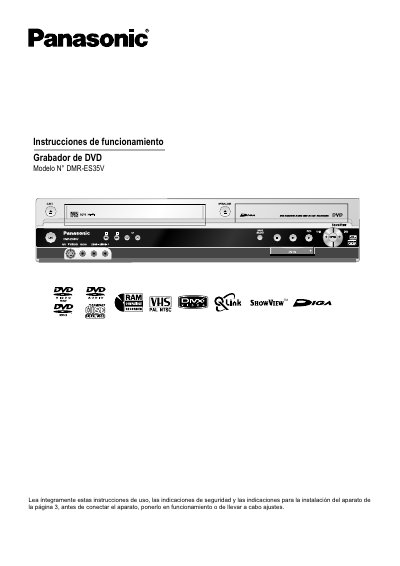
This document is the user manual for the Panasonic DMR-ES35V DVD recorder. It provides comprehensive instructions on safety, setup, and operation of the device. The guide covers connecting the recorder to various external devices such as TVs, set-top boxes, and camcorders using different cables like SCART, Audio/Video, and S-Video. It also details how to connect digital interfaces like DV IN for recording movies from digital camcorders. This manual is written in Spanish.
| Compatible formats | DivX, CD-R/CD-RW, DVD-R |
|---|
The unit can play DivX files from CD-R/CD-RW and DVD-R discs, as well as standard reproduction discs.
Recording can begin on a DVD-RAM disc approximately one second after the unit is turned on.
A DV IN connection is required to connect a digital camcorder to this unit.