
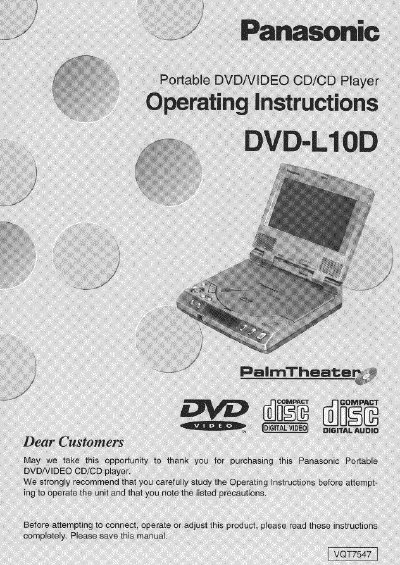
This manual provides operating instructions for the Panasonic DVD-L10D Portable DVD/Video CD/CD Player. The unit features a 5.8-inch LCD wide screen, stereo speakers, and supports playback of DVD, Video CD, and CD discs. It includes functions such as Virtual Surround Sound, multi-audio, multi-subtitle, and parental lock.
| Weight | 2 lbs. (910 g) |
|---|---|
| Battery Playback Time | 135 minutes |
| Screen Size | 5.8-inch LCD Wide screen |
| Resolution | 280,000-pixel |
| Power Supply | AC 120 V, 60 Hz |
Yes, the player includes an LCD screen and stereo speakers so you can enjoy video and music without connecting to a TV set.
When connected to external speakers, the player can reproduce a virtual surround sound effect for Dolby Digital (AC-3)/5.1ch DVD software.