
This document introduces how to use printf function to format data output to UART terminal on Blackfin processors.
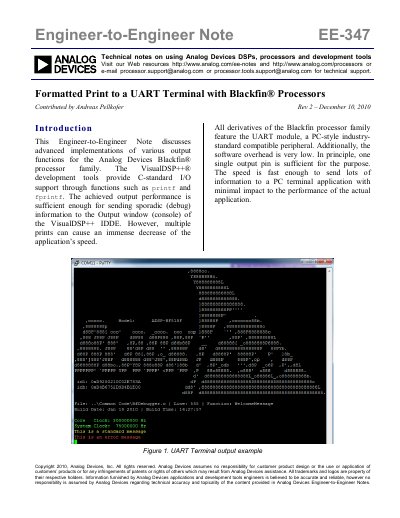
This Engineer-to-Engineer Note discusses advanced implementations of output functions for the Analog Devices Blackfin processor family. It addresses the performance issues caused by multiple print statements in VisualDSP++ and provides solutions to send debug information to a PC terminal application with minimal impact on application speed.
The document outlines three different methods to implement a powerful debug system while maintaining the look and feel of C-standard I/O functions. These methods include accessing the UART directly, replacing the standard device, and extending I/O support to new devices. The note includes software examples for currently available Blackfin evaluation boards.
| Processor Family | Blackfin |
|---|---|
| Development Tool | VisualDSP++ |
| Peripheral | UART module |
Rev 2 supports the ADSP-BF592 EZ-KIT Lite board.
The Windows program PuTTY is recommended as an alternative to HyperTerminal.