
This application note describes a method to automatically generate state diagrams for ADM1062 to ADM1069 using the Graphviz graphical tool.
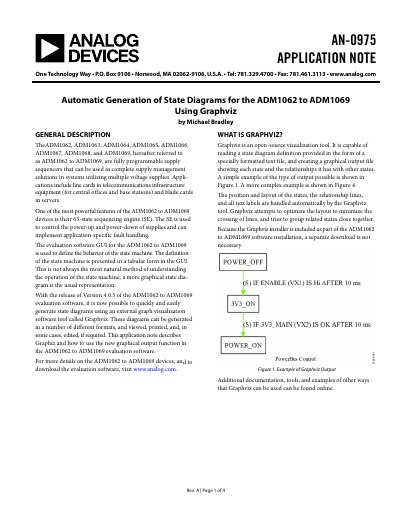
The document explains that the ADM1062 to ADM1069 family of fully programmable supply sequencers includes a 63-state sequencing engine. While these devices are configured via an evaluation software GUI using tabular forms, this method can be difficult to visualize.
Version 4.0.5 of the evaluation software introduced a feature that allows users to generate state diagrams automatically using Graphviz, an open-source visualization tool included with the software installation. This note details how to access the graphical output function within the Sequence Engine tab and explains the various file format options available for generating these diagrams.
The software supports four output file formats: jpg, png, pdf, and svg.
The PDF format is recommended because it is a vector format that prints at high resolutions without jaggies.
Bitmap formats like JPG and PNG are easy to edit in paint programs, while SVG files can be edited using commercial or free tools.