
This user guide describes how to use the ADM1062 to ADM1169 evaluation kits. The kits provide all of the support circuitry required to operate the ADM1062/ADM1063/ ADM1064/ADM1065/ADM1066/ADM1067/ADM1068/ ADM1069/ADM1166/ADM1168/ADM1169 (hereafter referred to as ADM1062 to ADM1169) in their various modes and configurations, including multiple board setups. The ADM1062 to ADM1169 data sheets, available at www.analog.com, provide additional information, and should be consulted for detailed explanations of the functions and features of the devices.
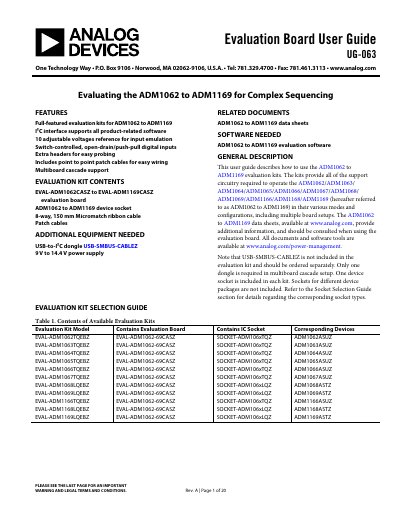
The document provides a user guide for the ADM1062 to ADM1169 evaluation kits (EVAL-ADM1062-69CASZ). These kits provide all necessary support circuitry to operate the ADM1062 through ADM1169 SuperSequencer ICs in various modes and configurations, including multi-board setups. The guide details the evaluation board hardware, supported devices, power supplies, and input emulation features.
| Voltage Range | 9 V to 14.4 V |
|---|---|
| Interface | I2C |
| Compatible Devices | ADM1062 to ADM1169 |
Yes, Connector J7 and Connector J9 allow multiple boards to be connected for complex cascade sequencing setups.
The board can accept 9 V to 14.4 V from a bench power supply through Connector J1 and Connector J2.
Switch S3 can be used by the user to emulate digital inputs, if required.
If the regulator control jumper is unplugged, the regulator enters shutdown mode.