
This manual provides instructions for inspecting the dbx 166 Professional Dynamics Processor upon receipt and installing it into a standard 19-inch equipment rack. It includes safety warnings regarding high voltage and moisture, as well as guidance on preserving packaging materials for potential shipping needs.
The document details the physical features of the unit, including integral rack brackets and the absence of user-serviceable parts inside the enclosure. It also outlines the necessary power requirements and voltage switch settings before operation.
| Frequency response | 20 Hz-20 kHz +0.5 dB |
|---|---|
| Equivalent input noise | -85 dBv unweighted |
| Maximum input | +24 dBv |
| Maximum output | +21 dBv |
| Input impedance | 25 k-ohms differential, 18.5 k-ohms unbalanced |
| Output impedance | Low, single-ended, for driving 600 ohms or greater |
| Output gain | -20 to + 20 dB |
| Threshold range (Compressor) | -40 to +20 dBv |
| Threshold range (Gate) | +10 to -60 dBv |
| Attack times (Compressor) | 15 ms for 10 dB, 5 ms for 20 dB, 3 ms for 30 dB |
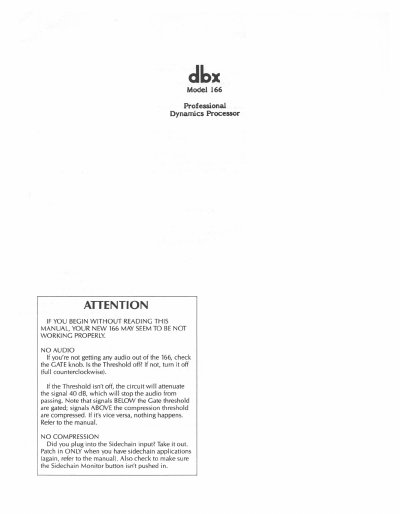
Check the GATE knob and ensure the Threshold is turned off (full counterclockwise).
No, no special cooling or ventilation is required; other components may be stacked above or below the unit.
No, there are no user-serviceable parts inside; refer all servicing to qualified personnel.