
This user guide is for the AD9910 evaluation board, which is a full-featured evaluation board for the AD9910, a 1 GSPS DDS with a 14-bit DAC. It provides information on how to set up and use the evaluation board, as well as the features and characteristics of the AD9910.
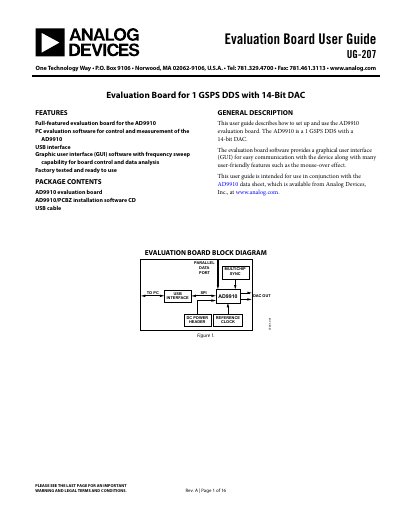
This user guide describes the setup and usage of the AD9910 evaluation board, which features a 1 GSPS Direct Digital Synthesizer (DDS) with a 14-bit DAC. The board includes PC evaluation software with a graphical user interface (GUI) that supports frequency sweep capabilities for device control and data analysis. It is designed to be factory tested and ready to use.
| Device Type | 1 GSPS DDS with 14-bit DAC |
|---|---|
| Operating System | Windows 98/ME/2000/XP |
| Processor | Pentium I or later |
| Memory | 128 MB minimum |
| Interface | USB 1.1/2.0 |
| Clock Input | 0 dBm up to 10 MHz |
The board requires two independent DC voltages: 1.8 V and 3.3 V.
Set Jumpers W1, W2, and W4 to enable, and place jumpers on W3, W5, and W6.
A green splash window appears, and the status box disappears.