
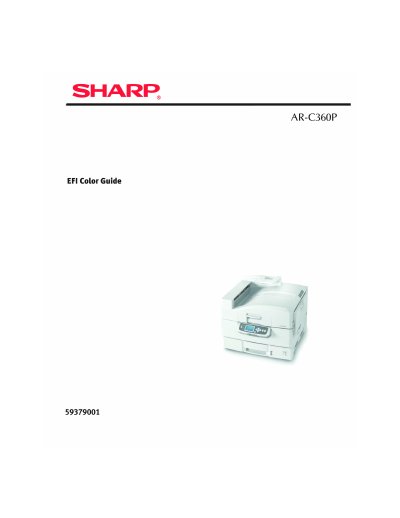
This document is a user guide for the Sharp AR-C360P EFI color printer. It provides detailed information about the printer, including instructions for use, the impact of software and equipment changes on information applicability, and the availability of the latest drivers and manuals.
This document serves as the user guide and legal information for the Sharp AR-C360P EFI Color Guide software. It outlines the terms of use, copyright restrictions, and compliance with regulatory standards such as FCC and Industry Canada Class B notices.
The guide includes specific legal notices regarding Apple Computer software, Pantone color data, and the Apache Software Foundation. It also lists numerous U.S. patents and trademarks associated with Electronics for Imaging, Inc. and Best GmbH that are relevant to the software's functionality.
The most up-to-date drivers and manuals are available from the website http://www.sharpusa.com.
The equipment complies with Class B digital device limits under Part 15 of the FCC rules and must use shielded cables to maintain compliance.
Yes, the software is furnished under license and may only be used or copied in accordance with the terms of the Software license set forth in the document.