
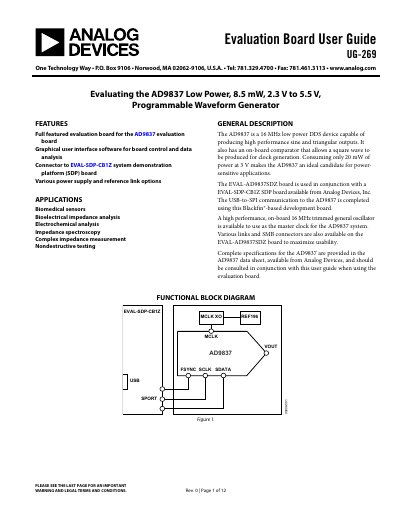
The document provides a user guide for the EVAL-AD9837SDZ evaluation board, which features the AD9837 low power, 8.5 mW, 2.3 V to 5.5 V, programmable waveform generator. It details the board's ability to produce high performance sine and triangular outputs and includes an on-board comparator for square wave generation.
The guide explains how to install and run the graphical user interface software compatible with Windows XP, Vista, and 7. It covers configuring the digital interface, setting external MCLK frequencies, loading frequency and phase registers, and utilizing FSK and PSK functionality.
| Power Consumption | 8.5 mW |
|---|---|
| Operating Voltage | 2.3 V to 5.5 V |
| Output Frequency | 16 MHz |
| Output Waveforms | Sine and Triangular |
| Software Compatibility | Windows XP, Vista, and 7 |
It is suitable for biomedical sensors, bioelectrical impedance analysis, electrochemical analysis, impedance spectroscopy, complex impedance measurement, and nondestructive testing.
The software is compatible with Windows XP, Windows Vista, and Windows 7.
The output waveform can be selected as a sinusoidal waveform or a ramp waveform.