
This document is an operation manual for AR-BC320 copier, which introduces the basic operation and maintenance of the copier.
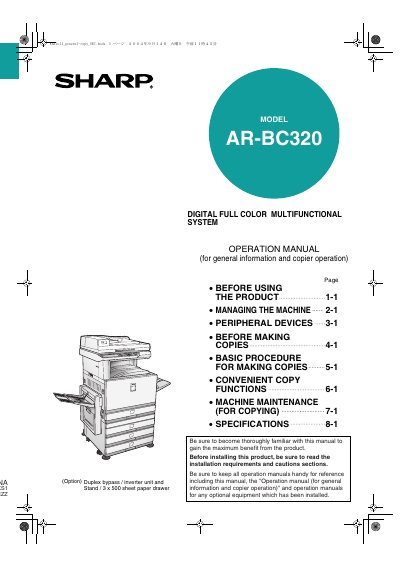
This document serves as an operation manual for the Sharp AR-BC320 Digital Full Color Multifunctional System. It provides general information on managing the machine, including loading paper, removing misfeeds, and performing regular maintenance tasks.
The guide also details how to use various copy functions and explains the operation of peripheral devices such as the saddle stitch finisher and large capacity tray. Safety precautions and installation requirements are included at the beginning of the manual. This manual is written in Japanese.
| Product Type | Digital Full Color Multifunctional System |
|---|---|
| Model Number | AR-BC320 |
| Included Option | Duplex bypass / inverter unit and Stand / 3 x 500 sheet paper drawer |
The provided manuals include the Operation manual (for general information and copier operation), Key operator's guide, Operation manual (for facsimile), Installation guide (for printer), Operation manual (for printer), and Operation manual (for network scanner).
Two people are required to lift and carry this machine, and it must be kept horizontal while being moved.
The power switch positions are marked 'I' to indicate power ON and ' ' to indicate stand-by.