
This document is an operation manual for a digital multifunctional system. It provides instructions for setting up the unit, loading paper, making copies, using special functions, performing maintenance, and troubleshooting.
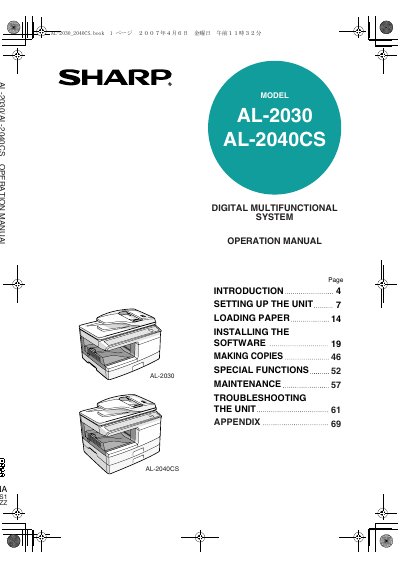
This document serves as the operation manual for the Sharp AL-2030 and AL-2040CS Digital Multifunctional Systems. It provides comprehensive instructions on setting up the unit, loading paper, installing software, and performing various copy functions including reduction/enlargement and two-sided copying.
The guide also details special features such as user programs and toner save modes, along with maintenance procedures for replacing TD and Drum cartridges. A troubleshooting section addresses common issues like misfeeds and status indicators.
The total output power of the scanner unit is adjusted to a maximum of 1.2 milliwatt plus 5%.
You must wait between 10 and 15 seconds after turning the unit off before turning it back on.
You must allow at least 8 inches (20cm) of space around the machine.