
This document is a general information guide for the operation of a digital multifunctional system. It includes preparations, loading paper, making copies, installing software, printer/scanner functions, user settings, troubleshooting, and maintenance. Additionally, it introduces convenient copy functions. The document ends with the model number and serial number of the product, along with contact information for service and support.
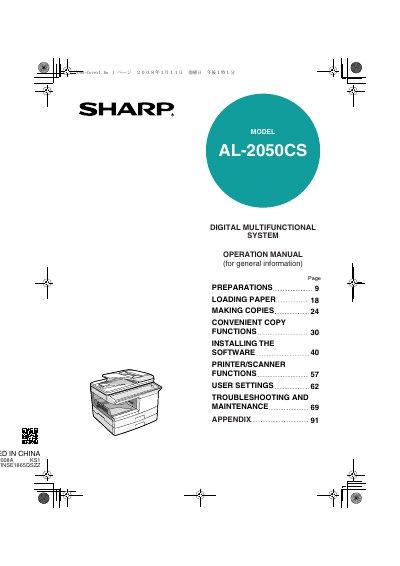
This document is the Operation Manual for the Sharp AL-2050CS Digital Multifunctional System. It serves as a guide for users to prepare the machine, load paper, and operate it as a copier, printer, and scanner. The manual also details how to install the necessary software to connect the device to a computer. This manual is written in Japanese.
After turning the machine off, you must wait 10 to 15 seconds before turning it back on.
The output power of the scanner unit is adjusted to a maximum of 0.2 mW.
You must allow 8" (20 cm) of space on the back and 4" (10 cm) on the sides for proper ventilation.