
ANALOG DEVICES UG-077 handbook

This is a user guide for AD9522-x evaluation board, which introduces the features and usage of the board.
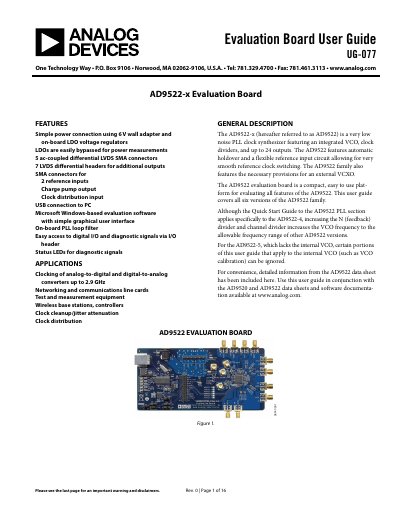

ANALOG DEVICES UG-077 handbook - cover page
Brand
Analog Devices
Category
Other Electronics
Document type
User Manual
Language
English
Pages
16
File format
PDF
File size
928 KB
Published
02 August, 2012
Updated
30 September, 2023
MD5 checksum
9F242CF86DECB75BD636E3205D7EBDA3

About this manual

The document provides instructions for setting up the physical connections of the AD9522-x evaluation board, including power supply connections, signal connections for LVDS outputs, and methods for bypassing the wall power supply or PLL. It details how to configure the board for external VCXO use and I2C serial port mode.

What's inside

  • Evaluation Board Hardware
  • Power and PC Connections
  • Signal Connections
  • Bypassing the Wall Power Supply
  • Bypassing the PLL
  • Using an External VCXO
  • Using I2C Serial Port Mode
  • Evaluation Board Software
  • Running the Software
  • Evaluation Software Components

Frequently asked questions

What operating systems are supported for the evaluation software?

The software supports Microsoft Windows-based systems, but 64-bit versions of Windows are not supported.

What is the recommended amplitude setting for the signal generator?

An amplitude setting of 0 dBm to 6 dBm is fine for the signal generator.

How do you configure the board for I2C serial port mode?

You must move Jumpers S2 and W1 to the center and left pins, then select the desired I2C address using Jumpers S5 and S6.

Download PDF (928 KB)

More Analog Devices Manuals


View all Analog Devices manuals →