
Sharp DT-500 Projector Operation Manual

This is the operation manual for the DT-500 projector, which introduces the use of the product and precautions
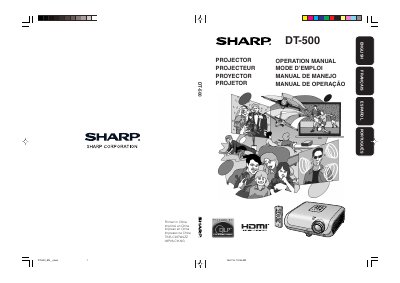

Sharp DT-500 Projector Operation Manual - cover page
Brand
Sharp
Category
Projector
Document type
User Manual
Language
English
Pages
66
File format
PDF
File size
4.3 MB
Published
02 August, 2012
Updated
30 September, 2023
MD5 checksum
31A26514E1A0A3D45D0629B024D0552A

About this manual

This document is the operation manual for the Sharp DT-500 projector. It provides instructions on preparing the device, setting it up for front or ceiling projection, and connecting it to video equipment or computers. The manual details how to turn the projector on and off, adjust the projected image, and use the remote control for various functions like image shift and iris settings.

What's inside

  • Introduction
  • Accessories
  • Part Names and Functions
  • Quick Start
  • Connections
  • Basic Operation
  • Using the Menu Screen
  • Maintenance
  • Troubleshooting
  • Specifications

Specifications

Pixel Count983,040 pixels

Frequently asked questions

How long does the cooling fan run after standby?

The cooling fan continues to run for about 90 seconds after the projector enters standby mode.

Can I turn off the projector by disconnecting the power cord?

No, you should never turn the projector off by disconnecting the power cord during normal operation.

Download PDF (4.3 MB)

More Sharp Manuals


View all Sharp manuals →