
SHARP XV-Z12000 Projector Operation Manual

This is an operation manual for a SHARP XV-Z12000 projector
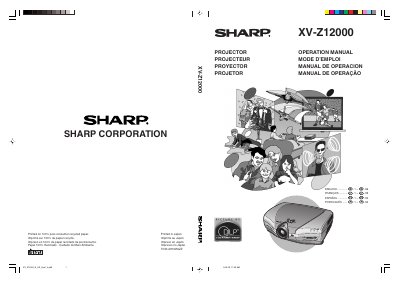

SHARP XV-Z12000 Projector Operation Manual - cover page
Brand
Sharp
Category
Projector
Document type
User Manual
Language
English
Pages
97
File format
PDF
File size
7.4 MB
Published
02 August, 2012
Updated
30 September, 2023
MD5 checksum
BFB6E4A5FE9C9D974A72109ED4C29ACA

About this manual

This document is the official operation manual for the SHARP XV-Z12000 projector. It provides comprehensive instructions for users on how to operate the device, including basic procedures, remote control usage, and connecting the projector to various devices such as computers and video equipment. The manual also details how to adjust image settings, including picture position, gamma, and color management systems.

What's inside

  • Introduction
  • Basic Operation
  • Connections and Setup
  • Menu Selections
  • Easy to Use Functions
  • Maintenance
  • Troubleshooting
  • Specifications

Specifications

Product TypeProjector

Frequently asked questions

How long does the cooling fan run after standby?

The cooling fan continues to run for about 90 seconds after the projector enters the standby mode.

Can I remove the cover to service the projector?

No, do not remove the cover as there are no user-serviceable parts except the lamp unit.

Download PDF (7.4 MB)

More Sharp Manuals


View all Sharp manuals →