
This document is the operation manual for the XV-Z2000 projector, providing instructions, warnings, and information about the product's features and characteristics.
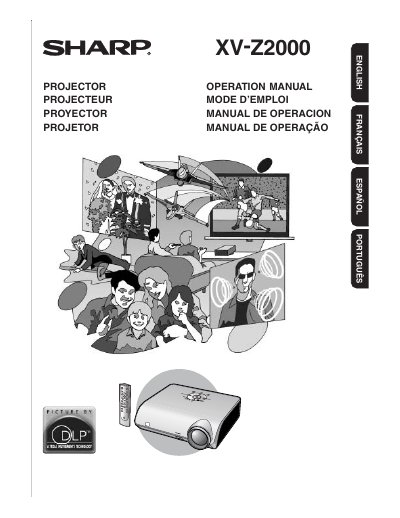
This document is the operation manual for the Sharp XV-Z2000 projector. It provides instructions on preparing the projector, setting it up, connecting to video or computer equipment, and performing basic operations such as turning the unit on/off and adjusting the projected image size and focus. The manual also details how to use the remote control and the on-screen menu system for picture adjustments and settings.
| Pixel Count | 921,600 pixels |
|---|---|
| Lamp Model | AN-K2LP |
| Power Cord Length | 1.8 m |
The projector requires the Sharp lamp unit model AN-K2LP.
The cooling fan continues to run for about 90 seconds after the projector enters the standby mode.
The DMD panel contains 921,600 pixels micromirrors.