
Sharp XV-Z10000 Projector Operation Manual

This manual describes the operation of the XV-Z10000 projector.
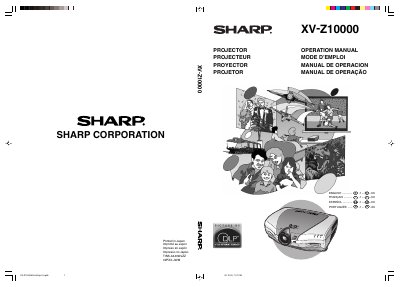

Sharp XV-Z10000 Projector Operation Manual - cover page
Brand
Sharp
Category
Projector
Document type
User Manual
Language
English
Pages
93
File format
PDF
File size
5.9 MB
Published
02 August, 2012
Updated
30 September, 2023
MD5 checksum
18300490357B3F15F1F10231079435C0

About this manual

This manual provides instructions for the Sharp XV-Z10000 projector, a high-brightness device featuring a 12° DMD chip and DDR technology for superior image quality. It includes safety warnings regarding the high-intensity lamp and detailed setup procedures for connecting to various video and computer sources.

What's inside

  • Introduction
  • Important Safeguards
  • Part Names
  • Connections and Setup
  • Basic Operation
  • Menu Selections
  • Adjusting the Picture
  • Easy to Use Functions
  • Replacing the Lamp
  • Troubleshooting

Specifications

Lamp Power270 W
DMD Chip12° DMD
Cooling Fan Durationabout 90 seconds

Frequently asked questions

What should I do if the projector causes interference to radio or TV?

Try reorienting the receiving antenna, increasing separation between equipment, or connecting to a different circuit outlet.

Can I turn off the projector by unplugging the power cord?

No, you must use the power button to allow the cooling fan to stop, as unplugging it causes premature lamp failure.

What type of lamp is required for replacement?

You must replace it with a Sharp lamp of type BOC-XVZ100001.

Download PDF (5.9 MB)

More Sharp Manuals


View all Sharp manuals →