
This document is about how to replace the ribbon in a SHARP calculator
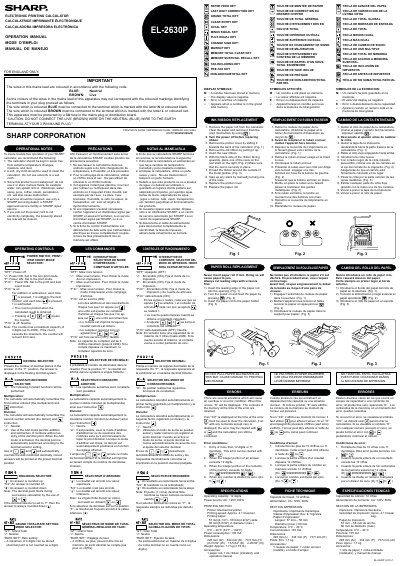
This manual provides operational instructions and precautions for the Sharp TINSZ0453EHZZ calculator. It details how to handle the device safely, including cleaning methods and environmental restrictions to prevent malfunction. The document also explains the functions of the operating controls, such as power modes and item counting features. This manual is written in French.
| Operating capacity | 12 digits |
|---|---|
| Power source | AC: 120V, 60Hz |
| Printing speed | Approx. 4.1 lines/sec. |
| Printing paper width | 57 mm(2-1/4") - 58 mm(2-9/32") |
| Operating temperature | 0°C – 40°C |
| Weight | Approx. 1.7 kg |
If '0 /H18528E' is displayed, use the clear function to clear the error. If 'E' with numerals is displayed, the error can be cleared with clear or clear-all.
The operating capacity allows for a maximum of 12 digits or 11 decimals.
The printer requires paper that is 57 mm to 58 mm wide.