
The Extech 407355 Personal Noise Dosimeter is a device for measuring noise exposure in accordance with OSHA, MSHA, DOD, ACGIH, and ISO standards. It can also be used as a sound level meter to monitor sound pressure levels from 70 to 140dB.
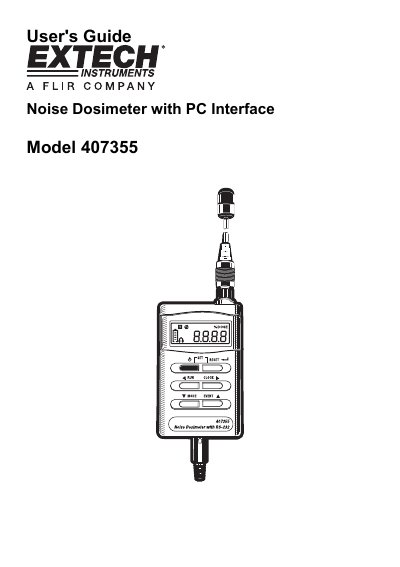
This manual provides instructions for the Extech 407355 Personal Noise Dosimeter, a device designed to test noise exposure in accordance with OSHA, MSHA, DOD, ACGIH, and ISO standards. The instrument features a built-in RS-232 PC interface for downloading data and can operate in both Sound Level Meter (SLM) mode and Dosimeter mode.
The guide details the meter's physical components, including the LCD display, push-buttons, and microphone connector. It explains how to power the unit, perform noise surveys, and configure parameters such as Criterion Level, Threshold Level, Exchange Rate, and Response Time. Additionally, it covers the use of event memory banks for storing survey data and the procedure for clearing memory.
| Measurement Range | 70 to 140dB |
|---|---|
| Datalogging Capacity | 8800 readings |
| Criterion Level Selection | 80, 84, 85, or 90dB |
| Exchange Rate Selection | 3, 4, 5, or 6dB |
| Threshold Level Range | 70 to 90dB |
Press and hold the green power button until the display counts down from 3dB to 0dB.
Yes, the meter has five event memory banks (E1 through E5) that can be selected using the EVENT button.
Turn the meter off, hold down the RUN key, and turn the meter on until 'E-EP' appears.