
This document describes the features and characteristics of the Extech 365515 Water Resistant Stopwatch, including split time, two competitor monitoring, alarm, and clock features.
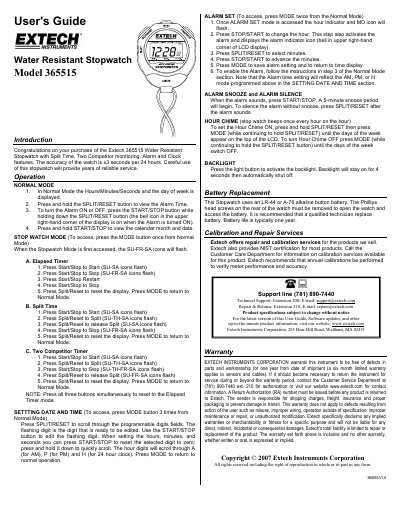
This document is the User's Guide for the Extech 365515 Water Resistant Stopwatch. It provides instructions for operating the device in Normal Mode, Stopwatch Mode (including Split Time and Two Competitor Timer), and for setting the date, time, and alarm. The guide also details features such as the hour chime, backlight, and battery replacement.
| Accuracy | ±3 seconds per 24 hours |
|---|---|
| Battery Type | LR-44 or A-76 alkaline button battery |
| Battery Life | typically one year |
Press the START/STOP button while holding down the SPLIT/RESET button.
Press all three buttons simultaneously.
The backlight stays on for 4 seconds before automatically shutting off.