
The model FL700 is a system specifically designed for the quick and accurate measurement of fluoride ions in drinking water and other aqueous samples. Unlike other electrode based systems the FL700 consists of the sensing electrode, measuring electronics, and the display in one convenient package.
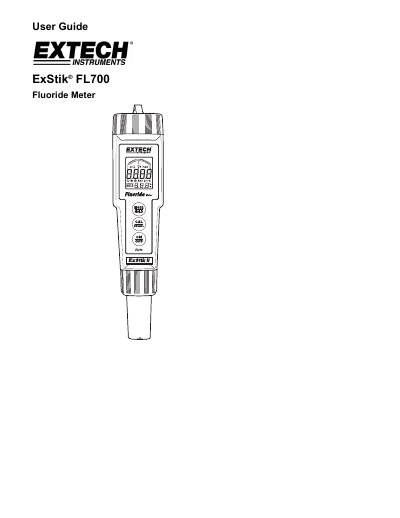
The Extech ExStik FL700 is a system designed for the quick and accurate measurement of fluoride ions in drinking water and other aqueous samples. It integrates the sensing electrode, measuring electronics, and display into one convenient package featuring automatic temperature compensation and stability sensing.
The manual details how to prepare the instrument using TISAB reagents or Extech tablet-form reagents, perform calibration between 1.0 and 10 ppm (or 0.5 and 5.0 ppm), and store up to 25 readings in internal memory. It also provides instructions for battery replacement, electrode cleaning with Extech paste, and proper storage procedures.
| Battery Type | four (4) CR2032 lithium ion batteries |
|---|---|
| Memory Capacity | up to 25 readings |
| Calibration Range (Standard) | 1.0 ppm and 10 ppm |
| Calibration Range (Alternative) | 0.5 ppm and 5.0 ppm |
| Auto Power Off Time | approximately 12 minutes |
Press and hold the MODE/HOLD button for three seconds while the meter is in HOLD mode.
You should calibrate prior to each new measurement batch or if more than 12 hours have elapsed since the last calibration.
The 'BAT' indicator will appear on the LCD display.