
The Extech DVA30 Non-Contact AC Voltage and Current Detector is the only two-in-one current/voltage detector designed for electrical testing. It can detect 200mA to 1000A of non-contact AC current, as well as 12V to 600VAC of non-contact AC voltage. The detector also has a sensitivity adjustment function to increase or decrease the sensor trigger threshold. It features a loud audible sound and bright visible sense detect indicators for easy use while working.
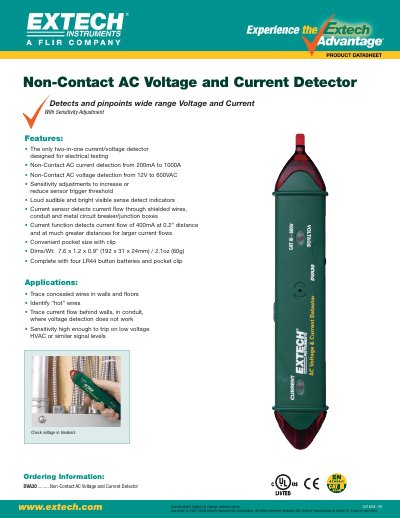
The Extech DVA30 is a compact, pocket-sized device designed for electrical testing. It functions as both an AC current and AC voltage detector without requiring physical contact with the wires or circuits being tested.
Key features include adjustable sensitivity thresholds to detect low-voltage signals like HVAC systems, loud audible alerts, and bright visual indicators. The device can identify current flow through shielded wires, conduits, and metal circuit breaker boxes.
| AC Current Detection Range | 200mA to 1000A |
|---|---|
| AC Voltage Detection Range | 12V to 600VAC |
| Dimensions (L x W x H) | 7.6 x 1.2 x 0.9 inches |
| Weight | 2.1oz (60g) |
| Battery Type | Four LR44 button batteries |
The device detects non-contact AC current from 200mA to 1000A.
The device detects non-contact AC voltage from 12V to 600VAC.
Yes, the current sensor detects flow through shielded wires, conduit, and metal boxes.